You Don’t Need to Be a Prompt Engineer
Good everyday prompting is less about learning a complicated formula and more about giving AI clear direction.
Tell it what you are trying to do. Give useful context. Then work with the response until it is heading where you want.
Prompt engineering can sound harder than it needs to be
Search online for advice about AI prompts and you will quickly find frameworks, formulas and long lists of things every prompt should contain.
Some of that is useful. There are jobs where being very precise matters.
But asking AI to help with an everyday email, explain a document, plan something or improve an idea usually does not need to feel technical.
For everyday prompting, start with clarity.
What do you want the AI to help you do, who or what is it for, and is there anything important it needs to know?
Think of AI as a capable assistant who is new to the job
They may be good at the work, but they do not automatically know what is in your head.
If you said:
Write an email about the new system.
you would not be surprised if a new assistant needed more information.
Write an email about the new system.
Help me write a short email to staff about the new system. Some people are not very confident with technology, so keep it clear, reassuring and free from technical language.
A useful test: if you gave your prompt to somebody new to the job, would they know what you wanted them to do?
See how a prompt can grow through conversation
Start with a perfectly normal request. Then add only the information that actually helps.
Help me plan a presentation.
What would be most useful to add next?
You can ask the AI to help build the prompt
You do not always know exactly what information matters before you start.
You may have the idea in your head but struggle to explain it.
I know roughly what I want, but I am struggling to describe it. Ask me the questions you need before you start.
Or ask it to check the instruction itself:
Before you answer, tell me if I have left out anything that would help you give me a better result.
There is no rule saying you have to build the entire prompt on your own.
The first answer does not need to be the final answer
Sometimes the first response is useful because it shows you how the AI has interpreted your request.
You may realise it is too formal, focused on the wrong thing or has included something you do not want.
That is not wasted effort. You now have something concrete to react to.
“The presentation should begin with a detailed overview of the strategic benefits, implementation methodology and expected organisational outcomes...”
What would you say next?
The back and forth is part of prompting. A useful first response can help you work out what you do and do not want.
Telling AI what you do not want is useful too
Sometimes you only know the problem after you have seen the response.
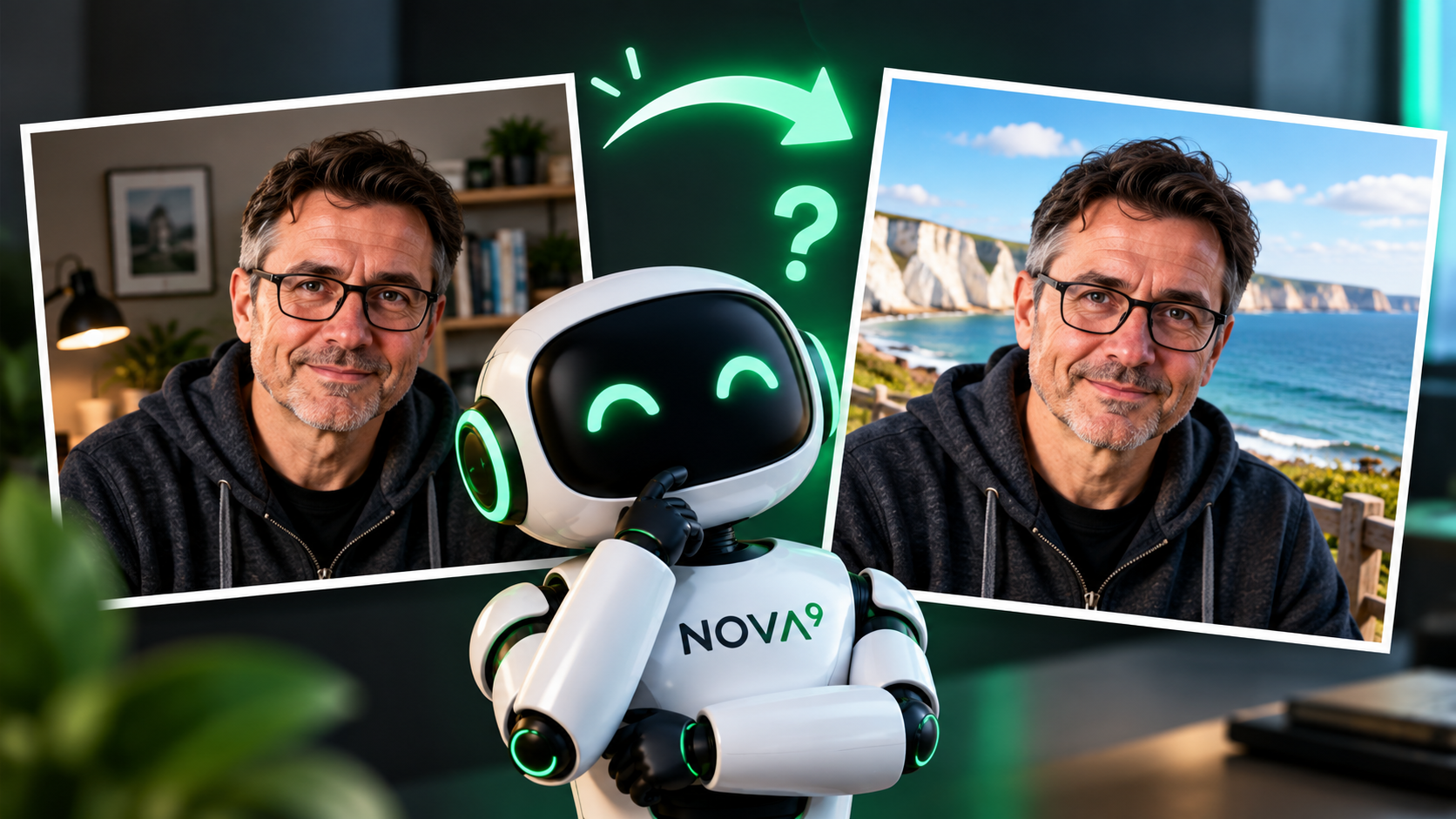
It uses too many headings. The tone is too corporate. It has added unnecessary background. The image has changed something that was meant to stay untouched.
Try again.
Keep the main idea, but remove the marketing language, shorten the opening and do not repeat the conclusion.
This matters particularly with AI images, where being clear about what must stay unchanged can be as important as saying what you want altered.
See our guide: I Asked AI to Change One Thing. Why Did It Change Everything?
Clear and precise are not the same thing
Everyday prompting usually starts with clarity. Some jobs need more precision.
Explain this letter to me in plain English and tell me whether there is anything I need to do.
This may be enough if you mainly want help understanding the document.
Neither approach is automatically better. The job decides how much detail helps.
If you want a more structured method, Nova9 also has Use AI to write a better prompt.
A prompt can help you understand, not just create
Prompting is not only about generating emails, images or plans.
You might have a long document that you are struggling to understand.
I am struggling to understand this document. Explain the main points in plain English. Do not leave out anything important, and tell me which parts I should pay particular attention to.
Then keep the conversation going:
Explain that third point again.
Give me an example.
What questions should I ask about this?
The job you have given AI is simply: help me make sense of this.
A better prompt still needs a check
Good prompting does not make AI infallible
AI can give an answer that sounds convincing but contains incorrect or invented information. You may hear this called a hallucination.
Responses can also reflect bias or make assumptions that deserve questioning.
Check important names, dates, figures, claims and sources before relying on them.
Which parts of this answer should I verify before I use it?
Want more help with prompting?
This article is deliberately about everyday prompting. If you want more structure, Nova9 has other ways to go further.