
Stop typing.
Start talking.
Voice Mode is for the moments when a natural conversation is quicker, easier and gives AI the context it needs to help.
We have all done this...
You send a message. They reply. You reply. They ask another question. Eventually you think... “I’ll just call you.”
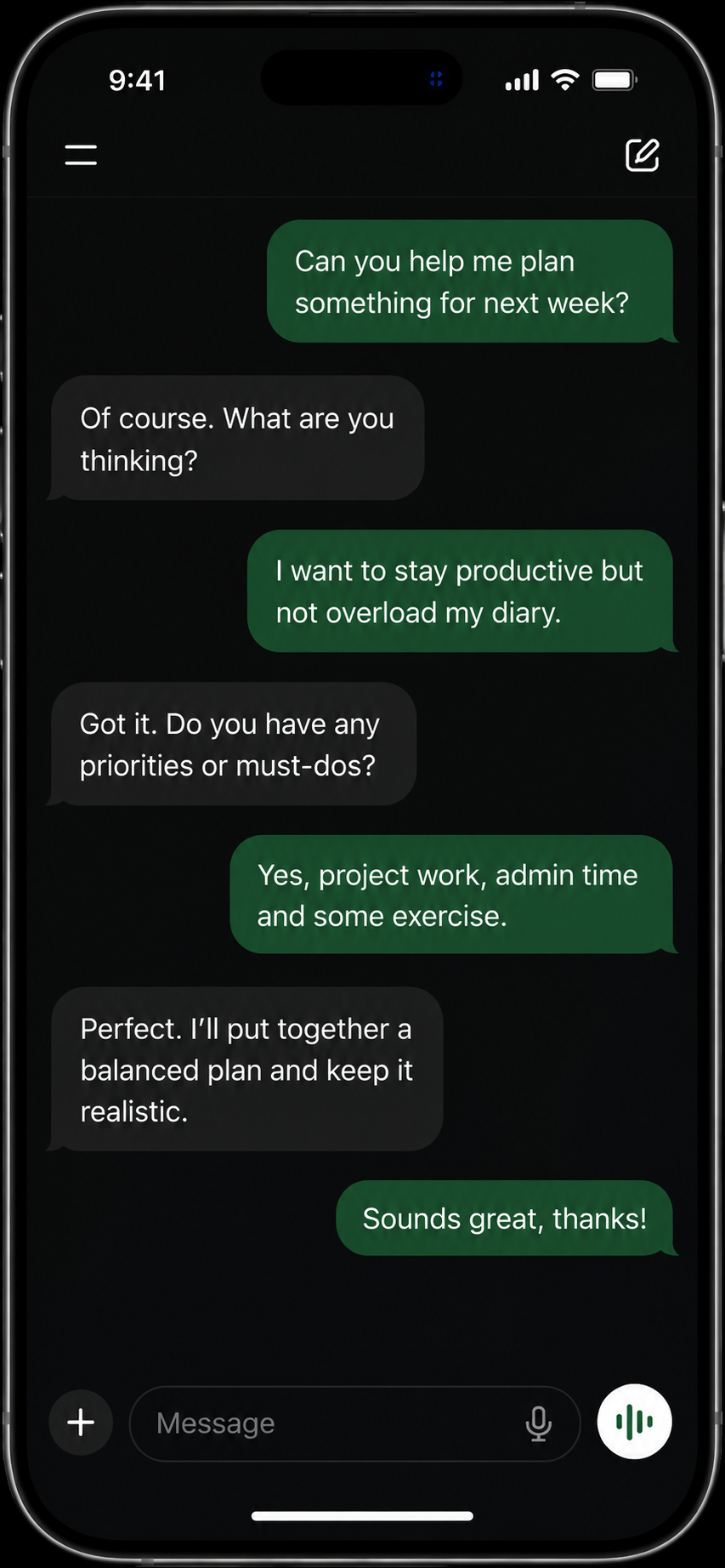
That is exactly when Voice Mode makes sense.
Why talking feels different
You are having a conversation, not trying to write the perfect prompt.
Think out loud
Forget perfect prompts. Simply explain your thoughts naturally and let AI help organise them.
Immediate feedback
Interrupt. Clarify. Change your mind. The conversation develops naturally.
Hands free
Walking. Cooking. Travelling. Sometimes talking simply fits your day better than typing.
See Voice Mode in action
OpenAI has recently updated Voice Mode. Watch this short video to see how a natural voice conversation with AI can feel.
Video example from OpenAI on YouTube.
Typing gives instructions.
Talking gives context.
The more context AI has, the better the answers become. Voice Mode helps you explain naturally without worrying about creating the perfect prompt.
Typed
AI knows almost nothing. It has to guess what you mean.
Spoken
Without even trying, you have already given AI useful context.
Let AI ask the questions.
One of the biggest advantages of Voice Mode is that you do not need to know everything before you begin. Simply start talking.
Notice how you never needed to write a complicated prompt. The conversation naturally builds the context.
Three moments when Voice Mode shines
Once you start thinking conversationally, you will discover dozens of uses. Here are three of the most useful.
While walking
Turn your daily walk into thinking time. Talk through ideas, solve problems or plan your week.
Learning
Practise languages, revise subjects or ask AI to quiz you one question at a time.
Brainstorming
Think out loud. Let AI challenge your assumptions instead of immediately giving answers.
Your first words
Forget prompts. These simple opening sentences are all you need.
Learn Spanish
Pretend you are my Spanish tutor. Speak slowly, ask me one question at a time and correct my mistakes after I answer.
Interview me
Act like an interviewer. Ask one realistic question at a time and give feedback after each answer.
Think with me
I am going to think out loud. Do not solve my problem immediately. Ask questions first.
Pick one starter, copy it, then spend five minutes talking instead of typing.
Start nowDo not lose good conversations.
A voice conversation can become something useful later. Read the transcript, continue the chat or turn it into a reusable prompt.
Want to turn your voice notes into something useful? Start with the Nova9 Prompt Builder, explore fresh angles in the Ideas Builder, or browse ready-made examples in the Prompt Library.
For more beginner-friendly AI help, visit the Nova9 Quick Guides.
Your first conversation starts now.
You have read enough. The best way to understand Voice Mode is to try it.
Put your headphones on, open ChatGPT or Gemini, and spend five minutes talking about something you have been putting off.
“Turn this conversation into a reusable prompt I can use next time.”
