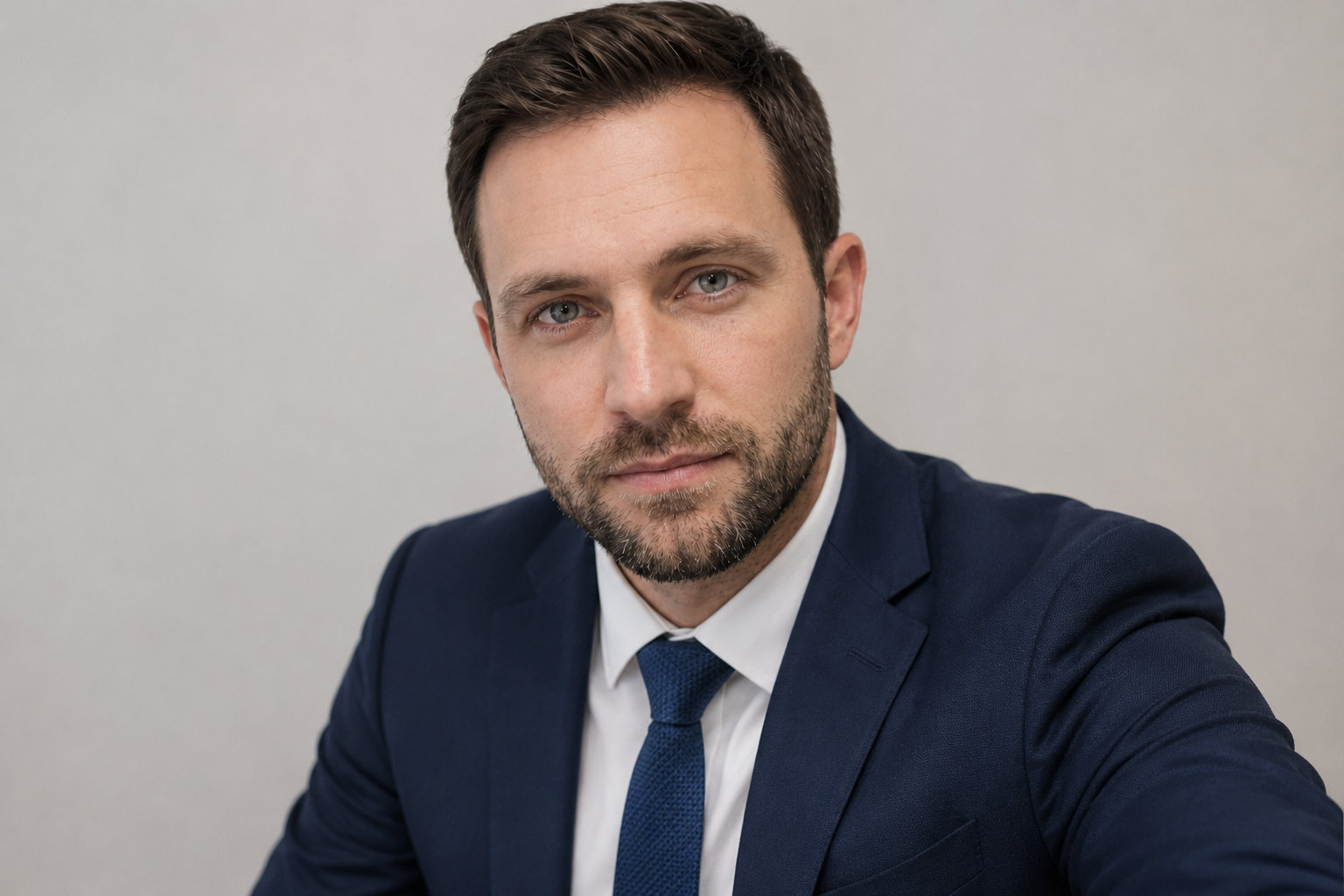
This is not about creating a fake headshot from nothing. It is about taking a real photo of you and using AI carefully to improve the lighting, background, crop and polish, while keeping the final image realistic, recognisable and trustworthy.
Beginner10 minutesProfile photosNo fake identity
Best for
LinkedIn profile photos
Teams or workplace profiles
CVs and job applications
Freelancer websites
Small business owner bio photos
What you need
A clear, recent photo of yourself
An AI image tool you trust
A few minutes to compare the result with the original
Permission if anyone else appears in the photo
The basic idea
AI can be useful for improving a real photo. It can tidy the background, soften harsh lighting, improve the crop and make the image feel more suitable for professional use.
The important bit is this: the final image should still look like you. Not a younger version. Not a fake corporate version. Not someone who looks like they sell luxury watches from a mysterious office.
The workflow
Choose a good starting photo
Start with a real photo where your face is clear, sharp and easy to recognise. Avoid group photos, sunglasses, heavy filters, strange angles or photos that no longer look like you.
Decide what needs improving
Look at the photo first. Is the background messy? Is the lighting too harsh? Is the crop too wide? Be specific so the AI tool does not start inventing things.
Improve lighting, background and crop
Ask for practical improvements only. Good edits include softer lighting, a cleaner background, better framing and a more professional crop.
Ask for a natural professional style
Use words like natural, realistic, recognisable and lightly polished. Avoid fake suits, fake offices, dramatic studio lighting or a completely new expression.
Review the output carefully
Compare the result with the original. Check your face, skin, hair, glasses, expression and overall identity.
Reject anything that changes you too much
Do not use the image if it changes your face shape, makes you look younger, alters your hair, removes your glasses or smooths your skin too much.
Use it only if it still feels authentic
The best result is a clearer version of the original photo, not a new identity. For professional profiles, trust matters more than polish.
The line between better and fake
A good AI headshot edit should make the real photo easier to use. It should not invent a new face, a new age, a new body or a new identity.
Original photo01
Start here.
Keep the real face, expression and recognisable features as the reference point.
Useful improvement✓
Good edit.
Improve lighting, crop, background and polish while the person still looks real.
Misleading edit!
Avoid this.
Do not reshape the person, fake status, remove identity markers or create a false impression.
Nova9 ruleIf someone who knows you would pause and think “that does not quite look like you”, the edit has gone too far.
Copy-ready prompt
Upload your real photo first, then paste this prompt:
Please improve this real profile photo for professional use.
Keep me recognisable and realistic. Do not change my face shape, age, skin tone, hair, glasses, expression or identity.
Improve only the things that make the photo clearer and more professional:
- lighting
- background
- crop
- framing
- light colour correction
- subtle polish
Use a natural professional style suitable for LinkedIn, Teams, a CV, a website bio or a work profile.
Do not add a fake suit, fake office, fake badge, fake logo or anything that misrepresents how I look.
The final image should still feel like a real photo of me.
Privacy note:
Do not upload sensitive images to tools you do not trust. Check your workplace policy before using AI tools with work images. Avoid uploading photos of other people without permission.
Checks before using the output
Does it still clearly look like you?
Has your face shape stayed the same?
Does your skin still have natural texture?
Are your hair, glasses and expression accurate?
Does the background look believable?
Has the tool added anything fake?
Would someone who knows you recognise you?
Would you feel comfortable using it on a work profile?
Common mistakes
Fake office
A made-up corporate background can make the image feel less trustworthy, not more professional.
Fake suit
Do not add clothing you were not wearing. It can quickly make the image feel misleading.
Plastic skin
Natural texture is fine. Humans have pores. Annoying, but true.
Changed identity
Reject any version that changes your face, age, hair, glasses, expression or overall appearance too much.
Useful external links
These tools can help with image editing or photo improvement. Check privacy settings before uploading personal images.