Workflow guide
Ask AI to explain a document clearly
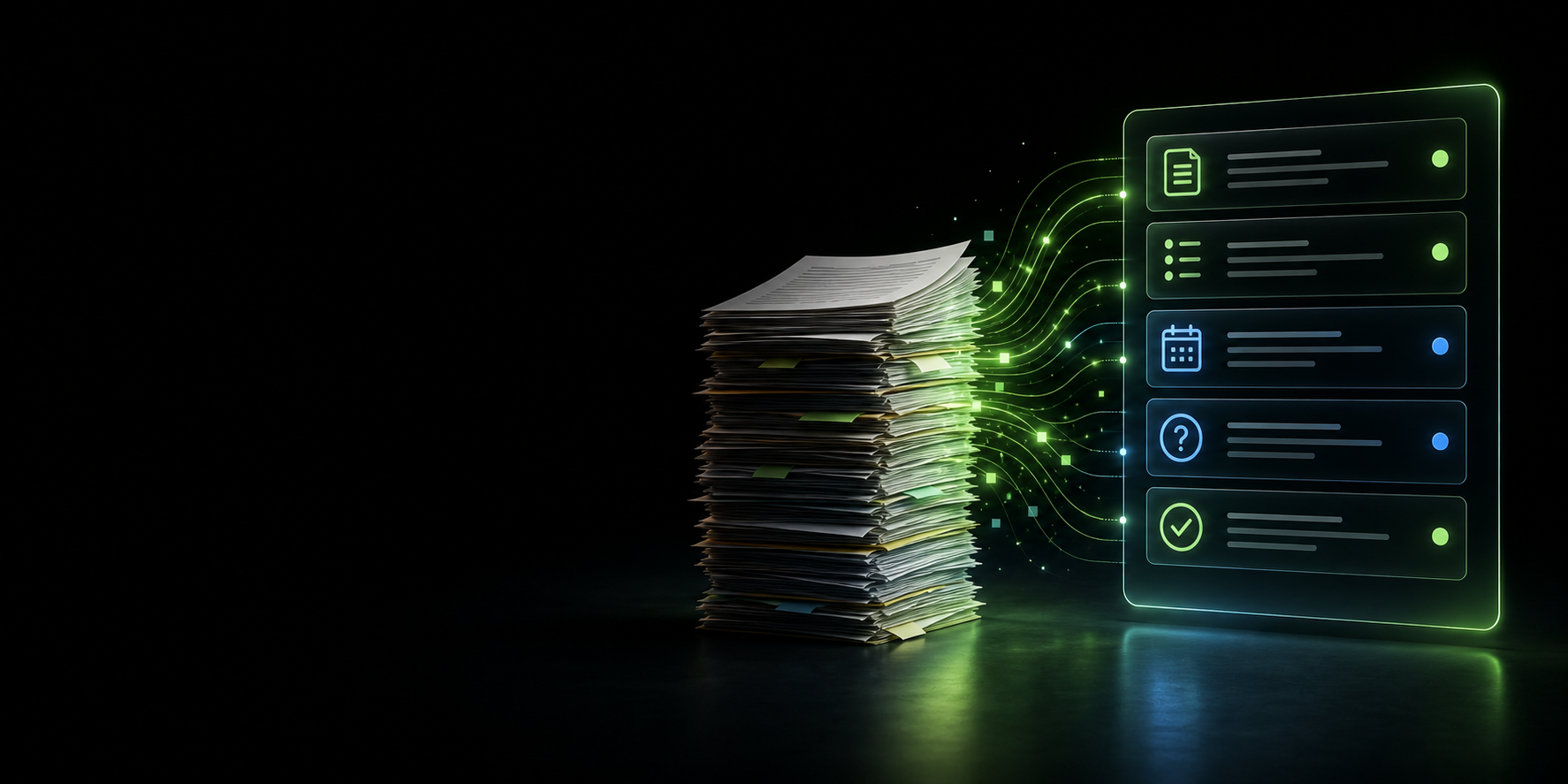
This is for the moment when a document looks important, but the language is dense, formal, or just hard to untangle. The aim is not a flimsy summary. The aim is a clear explanation of what matters, what to do next, and what still needs checking.
Best used for: letters, forms, guidance notes, policies, reports, emails, school information, care documents, and anything that mixes decisions, dates, and cautious wording.
Important: use AI as a reading aid, not as the final authority. If the document affects legal, medical, financial, HR, or safeguarding decisions, check the original and speak to the right person.
What makes this useful
It slows the document down
Instead of asking for a quick summary, you ask for the meaning, the practical actions, and the bits that are easy to miss.
It helps with real decisions
You get a structure that pulls out dates, responsibilities, vague wording, and anything that deserves a second look.
What you need
- The document text, or a section of it if the full thing is too long.
- An AI tool such as ChatGPT, Gemini, Microsoft Copilot, or Claude.
- A few minutes to compare the AI answer with the original document.
- A version with private or sensitive details removed if needed.
Steps
- Choose the right part of the document
Start with the section that matters most. If it is a long document, paste one section at a time so the answer stays focused and less messy.
- Remove private or sensitive information
Take out names, addresses, account numbers, personal details, and confidential workplace information unless you are allowed to share them.
- Ask for an explanation, not just a summary
A summary can be too thin. Ask the AI to explain what the document is about, what matters, and what you may need to do next.
- Ask for actions, dates, decisions, and difficult wording
Tell the AI to separate the answer into clear sections so you can spot tasks, deadlines, formal wording, and anything that looks unclear.
- Ask what looks unclear or missing
Invite the AI to flag vague instructions, missing dates, weak logic, or questions you may need to ask before you rely on the document.
- Read the original again
Use the AI response as a guide back into the source. Check the important parts against the original before you act on anything.
- Check important decisions with the right person
For anything legal, medical, financial, HR-related, safeguarding-related, or work-critical, confirm the next step with a qualified person or official source.
Copy-ready prompt
Paste this into your AI tool, then drop the document text where shown. It is written to keep the answer practical, calm, and easy to check.
Checks before using the output
Quick rule: if it changes what you might do next, check it in the original document before you trust the AI answer.
- Check names, dates, figures, links, actions, and deadlines against the original.
- Look for anything the AI may have misunderstood, simplified, or left out.
- Check whether the tone and explanation fit your situation.
- Do not rely on AI alone for legal, medical, financial, HR, or safeguarding decisions.
- Do not paste private or confidential information unless you know it is allowed.
Common mistakes
Only asking for a summary
A summary can be useful, but it often misses actions, dates, decisions, and the wording that needs decoding.
Pasting too much at once
Very long documents can produce weaker answers. Use sections or extracts when the source is dense.
Sharing private details
Remove sensitive information first, especially personal, medical, financial, or workplace details.
Acting without checking
Always compare the AI answer with the original document before you make a decision.
Useful external links
These are useful places to try the workflow. Check your privacy, account, and workplace rules before pasting any document text.
Try another Nova9 tool
Once you have tried this workflow, you can build a more specific prompt for your own document type or task.
Final summary
AI is most helpful here when you give it a careful job. Ask it to explain the purpose, main points, actions, dates, decisions, difficult wording, and anything unclear. Then check the original before you rely on the answer.
