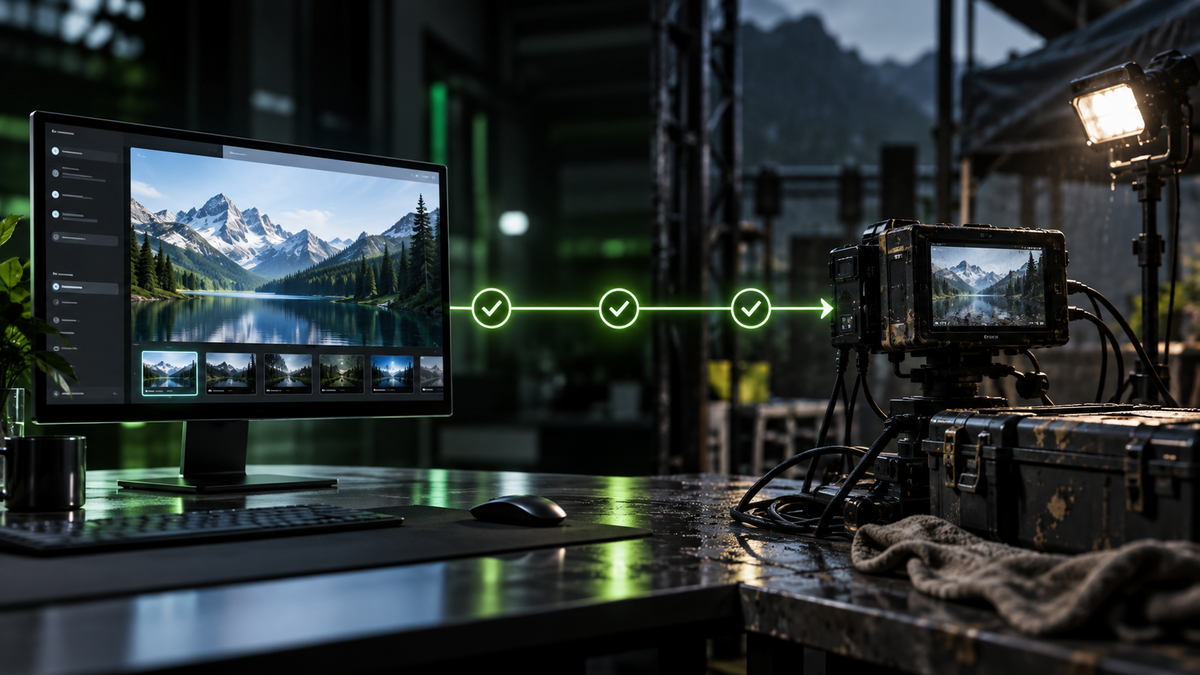
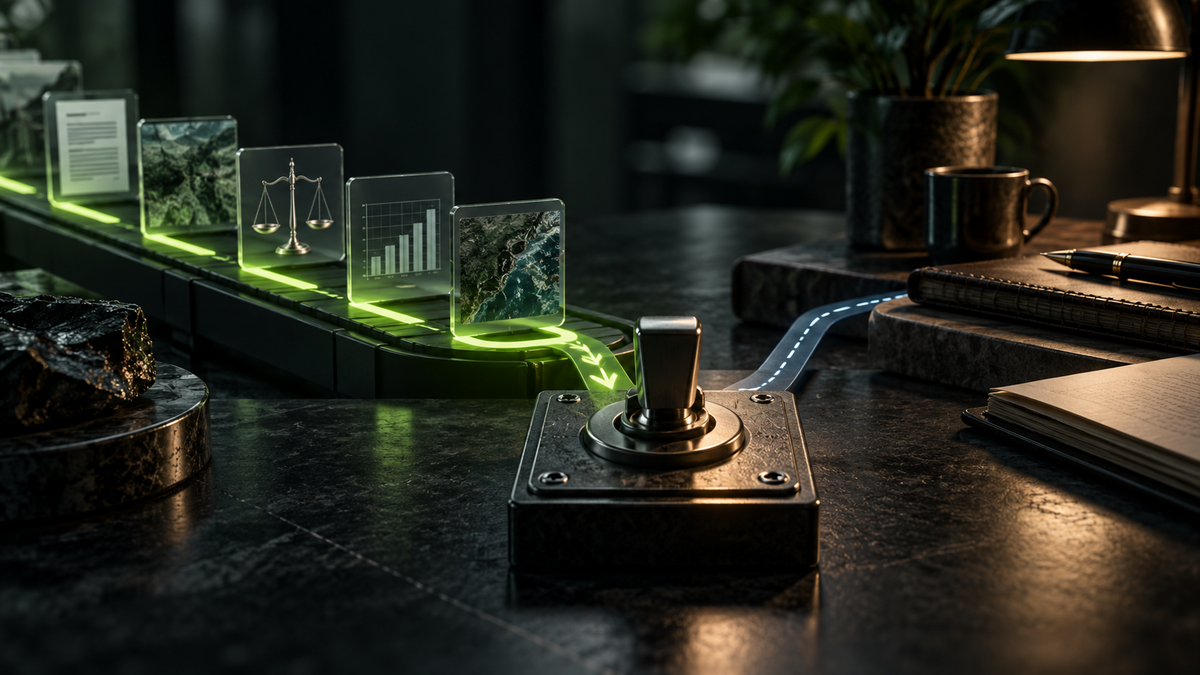
Upload a photograph and AI may identify objects, read visible text, describe damage, suggest design changes or help you ask better questions about what you are seeing.
It can also miss a small detail, misread a label or make a confident guess about a person. A photograph gives AI evidence, but never the whole story.
What can the photo support?
The label clearly says 250 ml
A visible observation, but check small text yourself.
The person looks dishonest
The photograph cannot support that judgement.
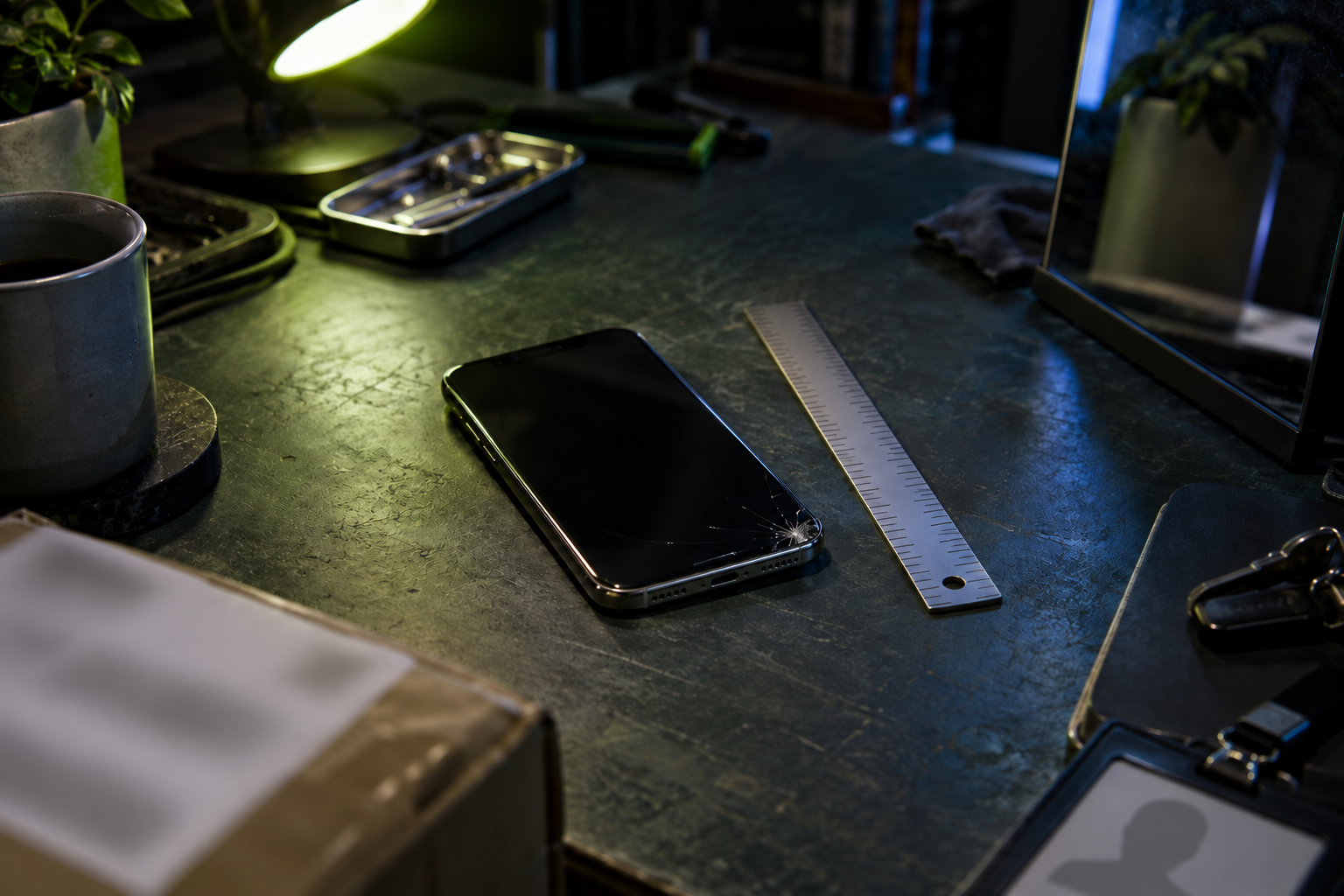
There may be damage near the corner
Treat it as a point to inspect, not a confirmed diagnosis.
Useful jobs for image analysis
AI can help describe a room, turn a notice into editable text, explain a control panel, identify visible ingredients or compare two versions of a design.
It is also useful for accessibility. A person can ask for a description of an image or clarification about text that is difficult to read.
These jobs work best when the question concerns visible features and the photograph is clear.
Ask about what is visible
"What is this?" encourages a single confident answer. Ask the AI to describe the evidence first.
Describe only what is clearly visible in this photograph. Separate direct observations from possible interpretations. Quote any text you can read and mark uncertain characters. Do not identify a person, diagnose a condition or infer sensitive personal details.
This makes the boundary easier to inspect.
A photograph contains more than its subject
Look at the background before uploading.
A parcel label, house number, computer screen, child's face, car registration or staff badge may be visible. Reflections can reveal information outside the main frame. Some image files also contain location and camera metadata, although services handle metadata differently.
Crop the photograph and remove information the task does not need. Do not upload another person's image without considering consent and purpose.
Do not use a picture for a high-impact judgement
An image is not a safe basis for identifying a medical condition, deciding whether someone is trustworthy or inferring protected personal characteristics.
If the subject concerns health, safety, structural damage or another serious risk, use the image to prepare questions for a qualified person. Do not treat the AI response as an inspection or diagnosis.
Help the AI see the right detail
Use good light, keep the camera steady and include a closer view where useful. If scale matters, provide a safe reference such as a ruler.
Tell the AI which part of the image matters. If you have two photographs, label them clearly and state whether you want differences, damage or design feedback.
Check text and fine detail yourself
AI may confuse similar characters or miss small print. Check serial numbers, dates, measurements and safety labels against the image.
For a translated notice, compare the important details with the original or ask a fluent speaker when the result matters.
Nova 9 view
AI can help you look more carefully at a photograph. It cannot know what happened outside the frame.
Ask about visible evidence, remove private details and keep high-impact conclusions with a qualified person.
Sources and last checked
- OpenAI, Image inputs FAQ: https://help.openai.com/en/articles/8400551-chatgpt-image-inputs-faq
- Google, Gemini Apps Privacy Hub: https://support.google.com/gemini/answer/13594961
- ICO, Explaining decisions made with AI: https://ico.org.uk/for-organisations/uk-gdpr-guidance-and-resources/artificial-intelligence/explaining-decisions-made-with-artificial-intelligence/
- Last checked: 14 September 2026